How to Create Your Own Meme Sounds: Free Tools for Meme Creators
Scrolling social media, you often hear the same viral sounds again and again. Many creators want their own unique meme sound but don’t know where to start or which tools to use.
This guide explains how to create your own meme sounds using free tools. You will learn simple steps, tools, and ideas to create viral audio and use trending meme sounds for free.
What Are Meme Sounds and Why They Go Viral
Meme sounds are short audio clips used in videos, memes, and reels. These can be funny voice clips, sound effects, or edited music pieces.
They spread fast because:
They are easy to reuse
They trigger emotion quickly
They match trending content formats
Types of Meme Sounds You Can Create
Before you start, understand the common types of meme sounds.
Funny Voice Clips
Short dialogues or reactions that people relate to. These work well with relatable situations and trending memes.
Sound Effects
Simple sounds like “boom,” “error,” or “laugh track.” These add impact to visual memes.
Edited Songs
Small parts of songs with pitch changes, reverb, or slow effects. These are popular in reels and short videos.
Reaction Audio
Clips that express emotions like shock, confusion, or excitement.
Free Tools to Create Meme Sounds
Here are the best free tools you can use to create meme sounds easily.
1. Audacity – Best Free Audio Editor
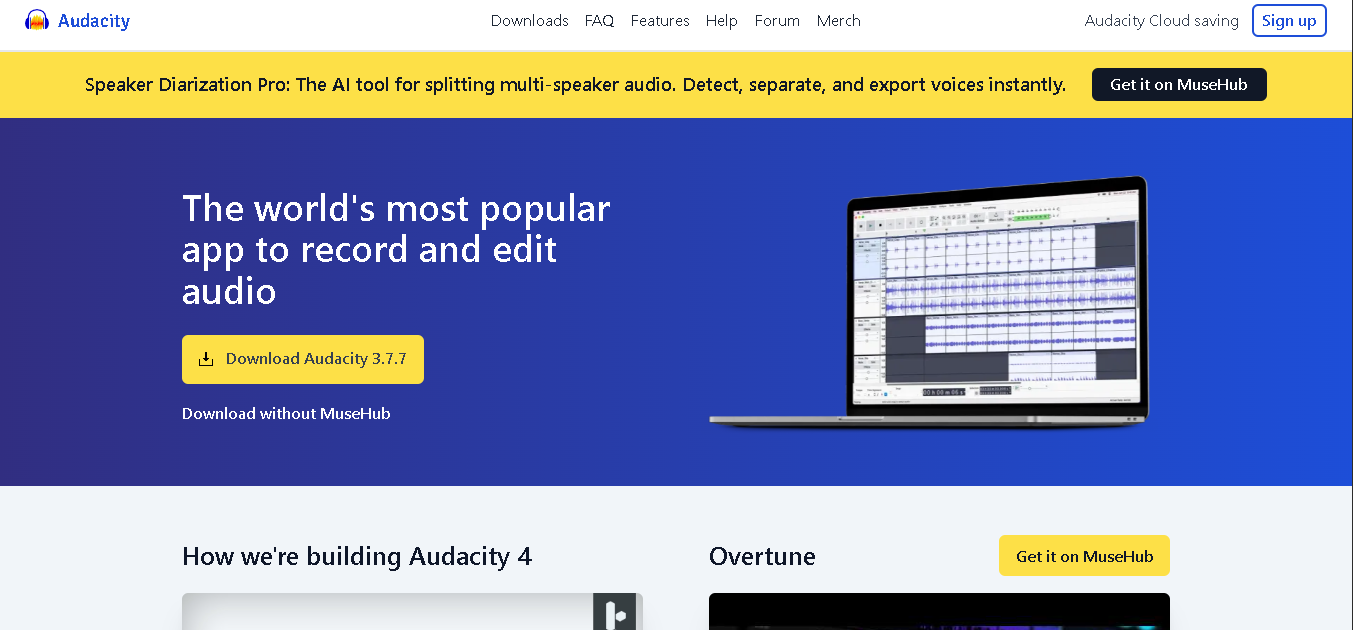
Audacity is a simple and powerful tool for editing audio.
What you can do:
Cut and trim audio
Add effects like echo or reverb
Adjust pitch and speed
👉 Best for beginners who want full control without cost.
2. CapCut – Best for Mobile Meme Creators
CapCut is popular among mobile users and short video creators.
Features:
Easy audio editing
Built-in effects
Quick export for social media
👉 Perfect for TikTok and Instagram creators.
3. Voicemod – Best for Voice Effects
Voicemod helps you create funny and unique voice clips.
Use it for:
Robot voices
Deep or high-pitch sounds
Real-time voice effects
👉 Great for making original meme audio.
5. Templates Memes – Best for Visual Meme Pairing
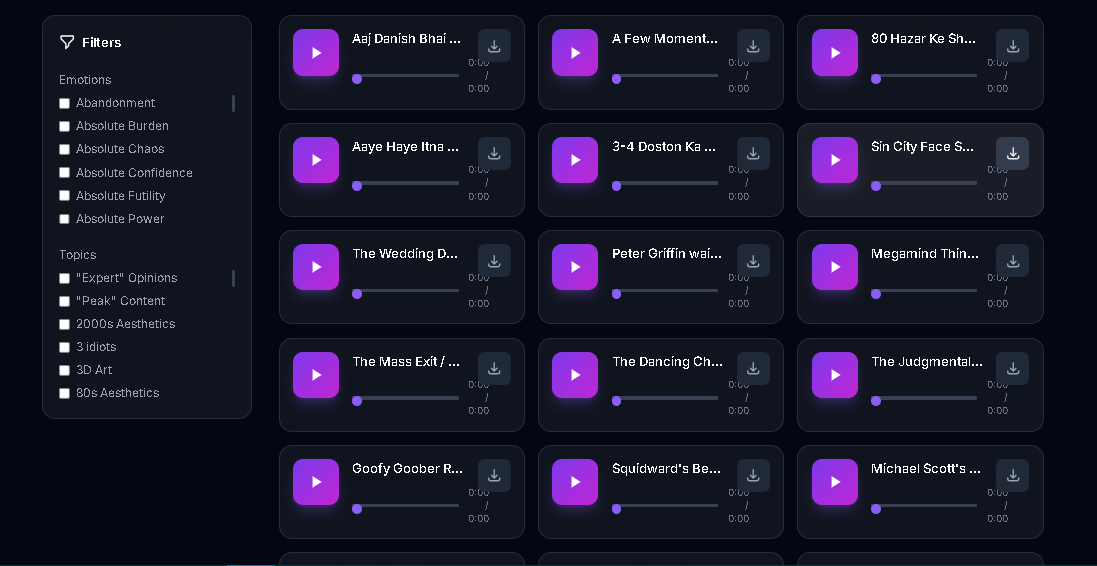
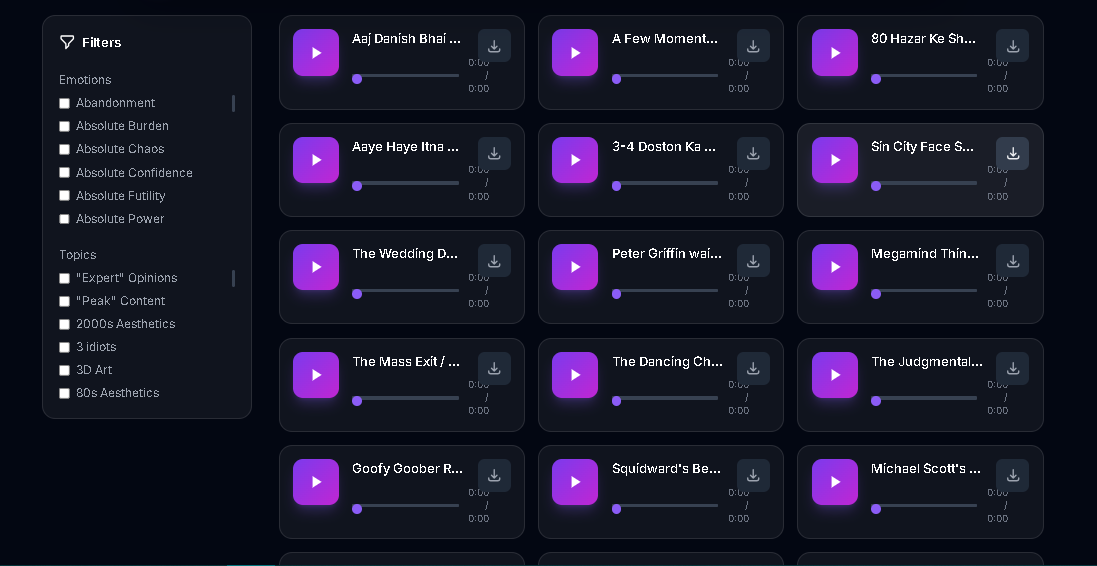
Templates Memes is the best free meme creator platform focuses on free meme templates and meme sounds. It plays a key role in meme audio creation.
Why it matters:
Huge meme template library
Huge meme sounds library
Easy pairing with your audio
No copyright issues
1-click download
Step-by-Step: How to Create Your Own Meme Sound
Follow this simple process to create your first meme sound.
Step 1: Choose Your Idea
Pick a relatable or funny situation. Focus on emotions like confusion, excitement, or surprise.
Step 2: Record or Find Audio
Use your voice or pick a short clip from public sources.
Step 3: Edit the Sound
Use tools like Audacity or CapCut to:
Trim unnecessary parts
Adjust volume
Add effects
Step 4: Add Effects
Make your sound unique by:
Changing pitch
Adding echo or reverb
Slowing or speeding audio
Step 5: Export and Use
Download your audio and combine it with meme templates on Templates Memes.
👉 This simple process helps you create shareable content quickly.
Tips to Make Your Meme Sounds Go Viral
Creating audio is easy, but making it viral needs the right approach.
Keep it Short
Most viral sounds are under 10 seconds.
Focus on Emotion
Sounds that express strong feelings perform better.
Follow Trends
Watch what is popular and create similar content with a twist.
Make It Reusable
People should be able to use your sound in different situations.
👉 Reusable sounds spread faster across platforms.
Common Mistakes to Avoid
Avoid these mistakes while creating meme sounds:
Making audio too long
Using unclear or low-quality sound
Copying without adding originality
Ignoring current trends
Content Ideas for Meme Sounds
Here are some ideas you can try today:
“Me trying to stay calm” sound
“When life hits suddenly” reaction
Funny voice overs of daily situations
Edited song clips with slow effect
Dramatic background sounds for memes
FAQs
1. What is a meme sound?
A short audio clip used in memes, reels, or videos.
2. Which tool is best for beginners?
Audacity and CapCut are easy to use for beginners.
3. Can I create meme sounds for free?
Yes, many tools allow free audio editing.
4. How long should a meme sound be?
Keep it under 10 seconds for better engagement.
5. Can I use my own voice?
Yes, original voice clips work very well.
6. How do I make my sound viral?
Focus on trends, emotions, and simplicity.
7. Where can I use my meme sound?
You can use it on TikTok, Instagram, and meme platforms.
Conclusion
Learning how to create your own meme sounds gives you a strong advantage in today’s content space. Audio plays a big role in making memes more engaging and shareable.